 Related Topics
| Device |
| Einstein™ |
| Einstein Pro XL™ |
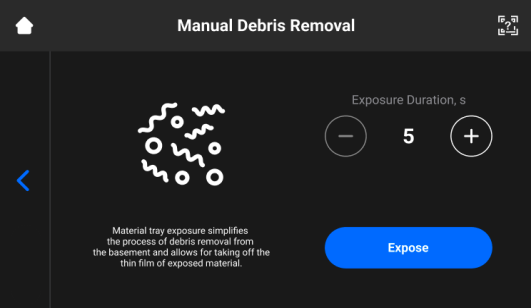
This feature helps simplify the process of cleaning the material tray.
To remove debris from the material tray, complete the following steps:
-
Select Settings > Manual Debris Removal to open the tab.
-
Set the required exposure time using the + and – icons.
-
Select Expose.
→ The entire material tray area is exposed. -
Remove debris from the material tray by lifting the thin film of the exposed material.
-
Proceed following the step-by-step for filtering material described on the Maintain Materials page, if needed.